
Windows 8 Tips: Increase The Blinking Cursor Thickness
Now here is something very handy, if you find yourself staring at the screen and trying to find the blanking cursor, follow this simple tutorial […]
Now here is something very handy, if you find yourself staring at the screen and trying to find the blanking cursor, follow this simple tutorial […]
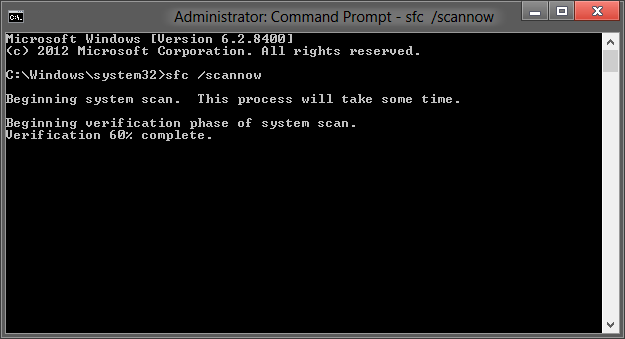
Now here is a great tip, which requires little to no effort, it will scan all Windows 8 sytem files and revert the changes (if […]
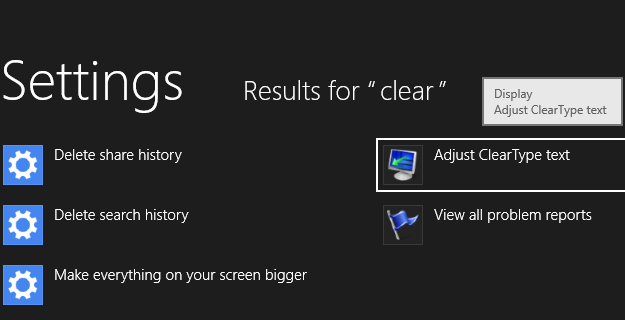
Now here is a great tip to maximize your reading experience and make the text look just fine. All you have to do is: – […]
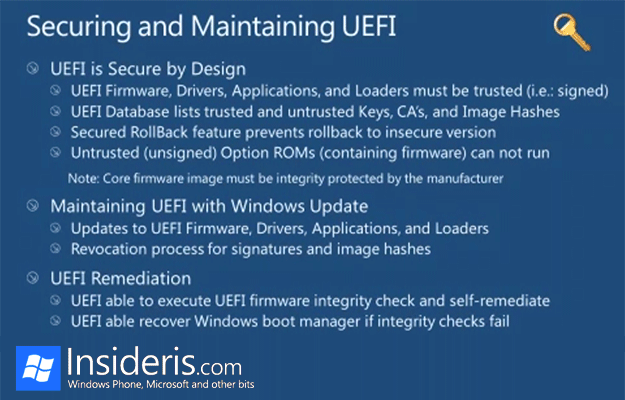
With the upcoming release of Windows 8, some people seem to feel unsure about the new “Secure Boot” feature, which, when enabled, supposedly locks you […]

If you were hoping for the Windows 8 desktop icons to be updated during the RTM build, prepare to be disappointed. According to our sources, […]
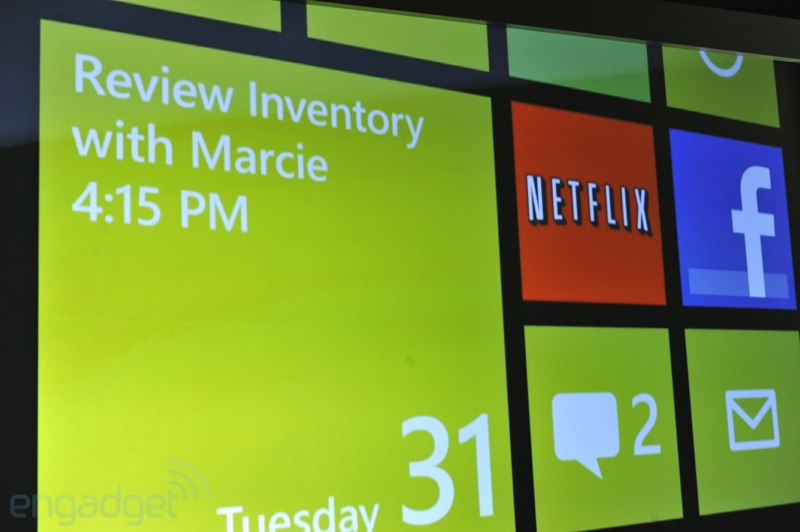
Now here is something to keep you busy, an interview with the man himself, Joe Belfiore. Not enough? Check two more videos with Anand Badu […]
We’ve been playing with the Outlook 15 for quite some time now and while it does offer some improvements when compared to its predecessor, there […]
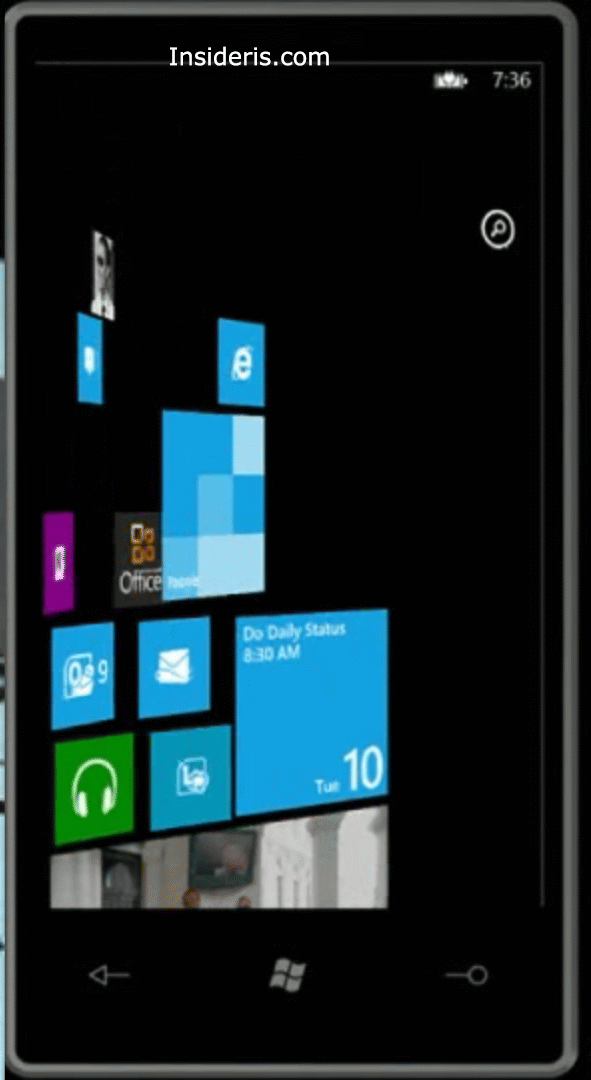
Now here is something to get you going… If the recent rumor that we have discovered is correct, then it looks like Windows Phone 8 […]
Copyright © 2026 | WordPress Theme by MH Themes