
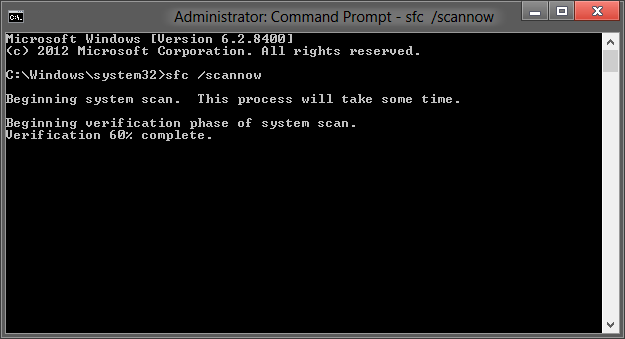
Now here is a great tip, which requires little to no effort, it will scan all Windows 8 sytem files and revert the changes (if any were made by the 3rd party).
– Type “cmd” in the Start Screen
– Select “Run as Administrator”
– Type “sfc /scannow” (without quotes)
Pat yourself on the shoulder for a job well done.